All help articles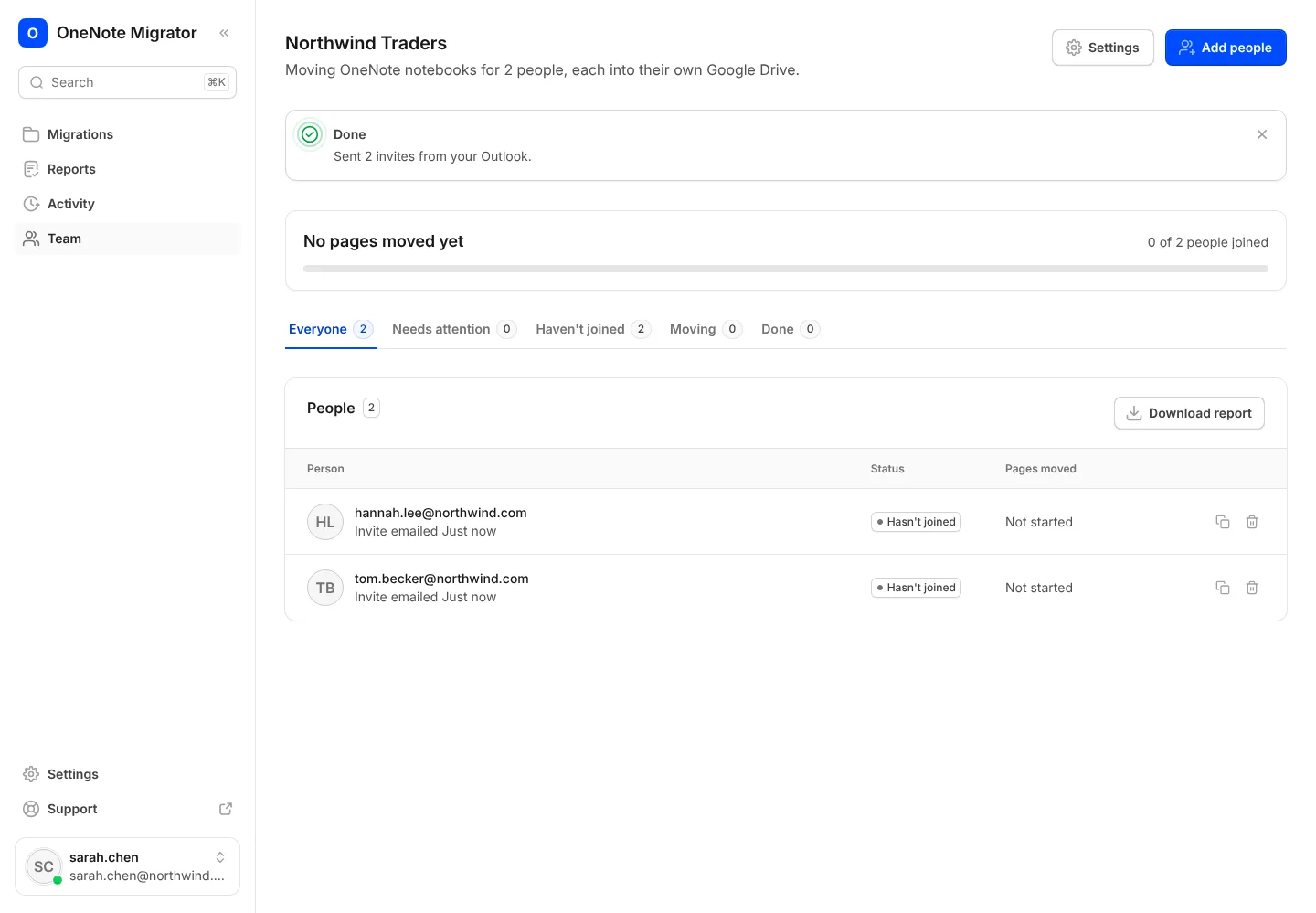
For companies
Invite your team
Add your people, send their invites from Outlook, and follow everyone's move.
- 1
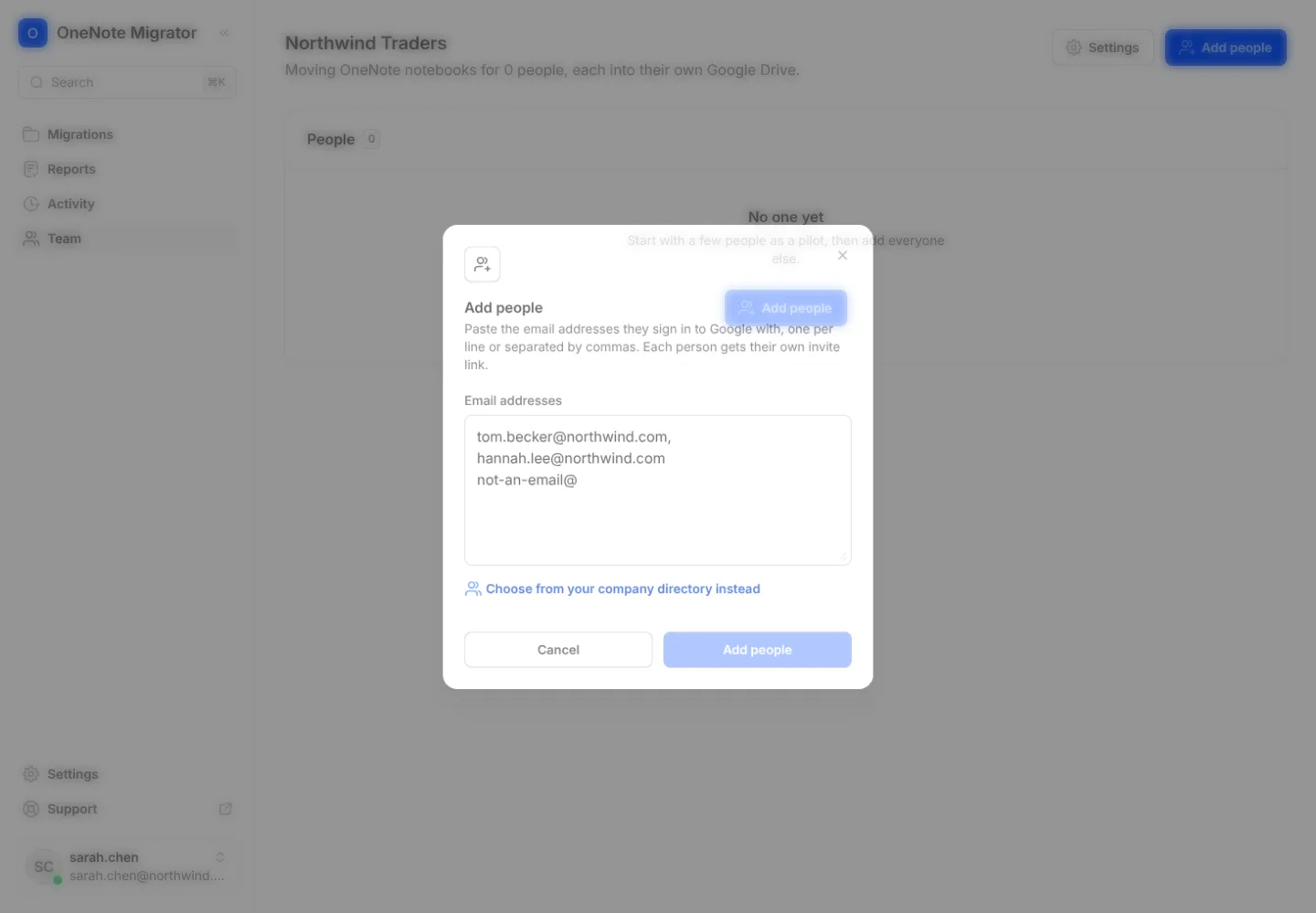
On the Team page, press Add people. Pick them from your directory or type their emails.
- 2
Each person gets one link from your Outlook. They open it and sign in; that’s all.

- 3
Follow everyone from the Team page, and remind anyone who hasn’t started.
Bring your OneNote with you to Google
Sign in with Google, connect OneNote, and see how your notebooks will look before anything moves.