All help articles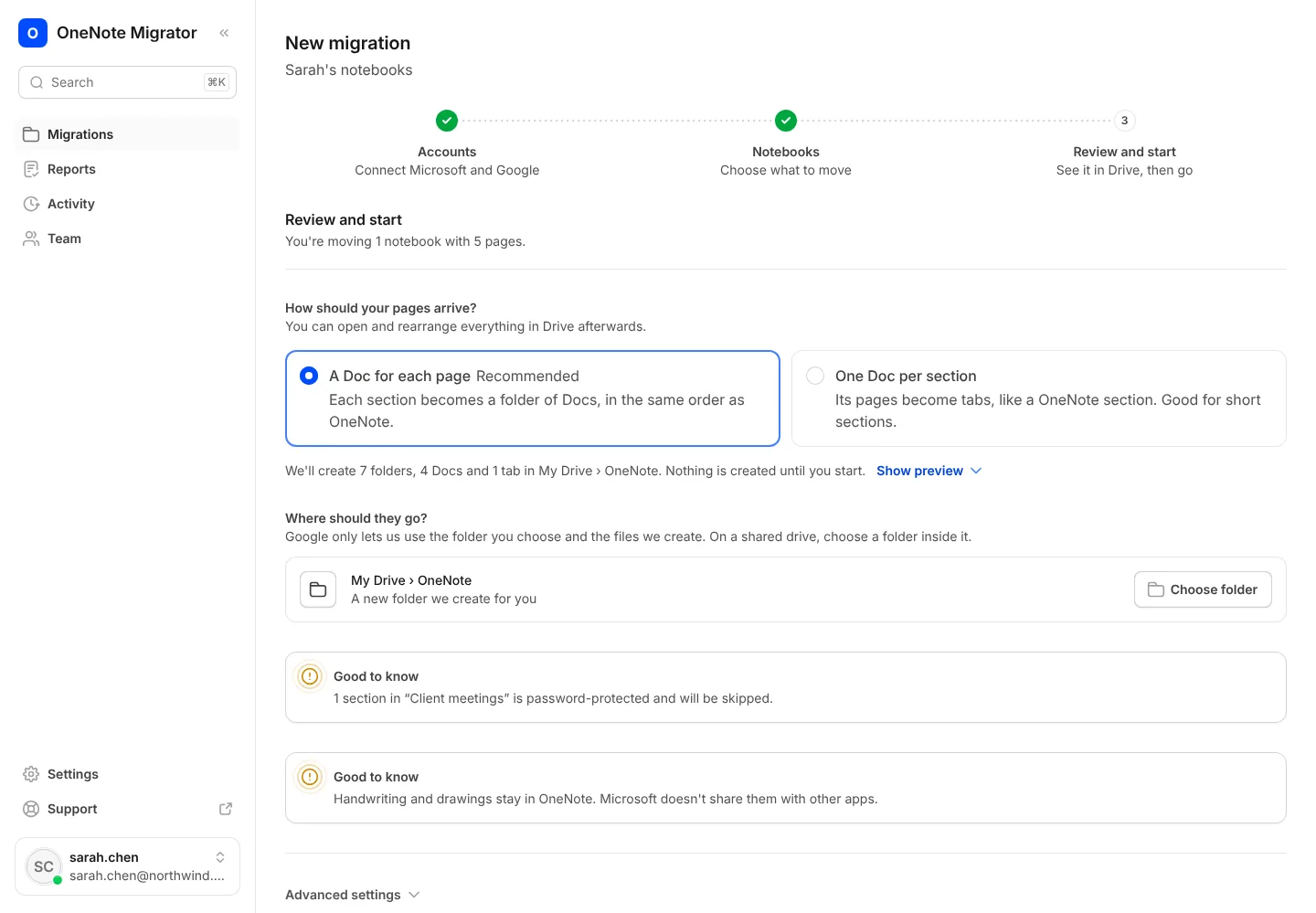
Moving your notebooks
Choose how your pages arrive
A Doc for each page, or one Doc per section with pages as tabs.
- 1
On the Review and start step, pick A Doc for each page for long notes, or One Doc per section for short ones.
- 2
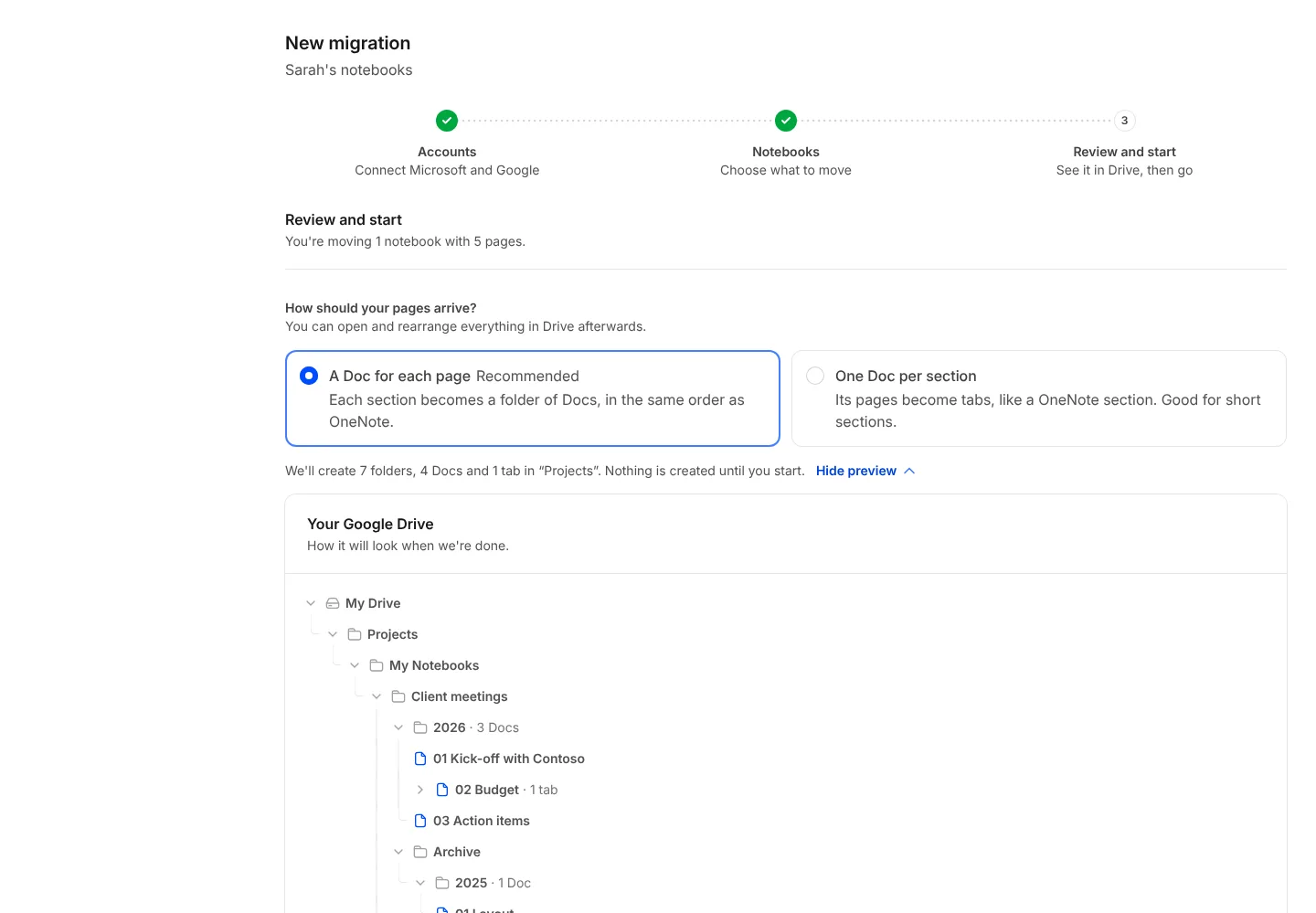
Open the preview to see the folders and Docs that will be made, before anything is created.
Bring your OneNote with you to Google
Sign in with Google, connect OneNote, and see how your notebooks will look before anything moves.